TEK 5030 - Getting started with VS Code devcontainer
This is a quick and dirty howto for getting started with developing inside a devcontainer in VS Code. YMMV!
Prerequisites
-
Have Docker installed and know how to use it.
https://docs.docker.com/engine/install/ubuntu/ -
Familiarize yourself with devcontainers in VS Code, as described in one of the official documentations
https://code.visualstudio.com/docs/devcontainers/containers -
Pull the tek5030 docker image
docker pull tek5030/devcontainer:latest
Setup the toolchain
When you open the project in VS Code, a dialog box should appear, since the .devcontainer directory is detected:
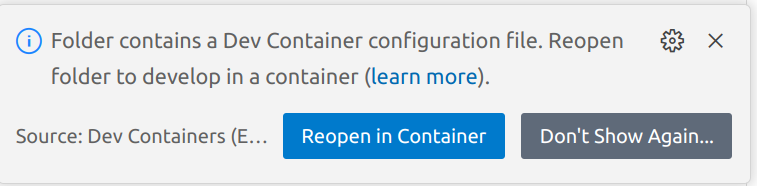
Press Reopen in Container. It may take a while the first time.
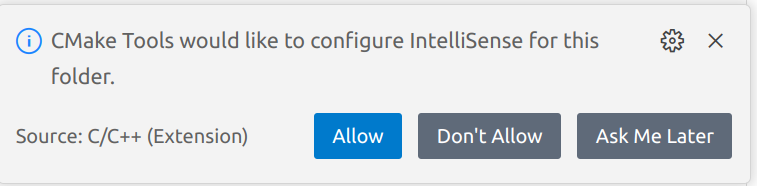
After reopening, you may press Allow (or any of the other options) in the other dialog box, if it appears:
Compile and run the labs
Now you can proceed to build and run the lab as usual!
All the magic and required settings is hidden within .devcontainer/devcontainer.json.
(In this bare minimum guide it is assumed that you are fairly fluent in vs code).